Natural-Looking Face Swaps
Soft edge blending and colour matching help the replacement face sit naturally in the original picture. Clear images and matching angles make the result more convincing.
FaceSwapper makes swapping faces in photos simple and fun. Upload your pictures, switch faces in a few clicks, and download your results with ease.
Add your photo and a face to begin. The AI model loads once (about 4 MB).
You don't need photo editing skills. FaceSwapper finds the faces, lines them up and blends them for you.
Choose the picture you'd like to edit. FaceSwapper detects every face in it automatically, even in group photos.
Upload a photo of the face you want to use. A clear, well-lit photo with a similar head angle gives the most natural result.
Press Swap Face, compare before and after with the slider, fine-tune if you like and download the full-resolution image.
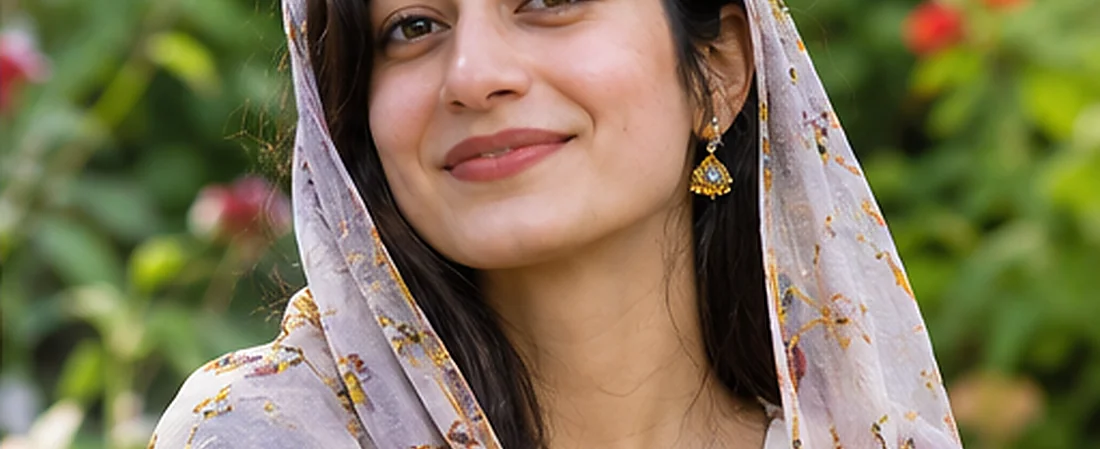
FaceSwapper is an online face-changing tool that lets you replace a face in one photograph with a face from another.
Instead of spending time cutting out faces, adjusting colours and blending pictures manually, you simply add two photos. FaceSwapper detects the faces, maps the new face into place, matches skin tone and lighting, and softens the edges automatically.
The tool is useful for anyone who enjoys experimenting with photographs. Create entertaining pictures, explore different portrait styles or try visual ideas for personal projects, without any experience in professional editing software.
Easy face swapping for everyday photo editing. FaceSwapper brings together useful features to make changing faces in photographs simple and enjoyable.
Soft edge blending and colour matching help the replacement face sit naturally in the original picture. Clear images and matching angles make the result more convincing.
Choose or drop the photos you want to use and follow a straightforward process. There's no need to adjust individual facial features with complicated controls.
Spend less time making manual changes and more time exploring different photographs. The swap, blend and colour match happen in a single click.
You don't need professional editing experience to get started. The process is designed to be approachable, even if you're trying face swapping for the first time.
Experiment with different faces, portraits and expressions. From light-hearted edits to personal design ideas, there are plenty of ways to explore what face swapping can do.
An online face swapper works in a web browser on computers, tablets and phones, without installing traditional desktop photo editing software.
Discover what a face swap can do. A small change can give a photograph a completely different feel.
Replacing a face while keeping the rest of the picture creates an entirely new appearance without rebuilding the image from scratch. Face swapping works particularly well with portraits where the face is clearly visible and the lighting is consistent.
The closer the original and replacement faces are in angle and expression, the more natural the finished result may appear.
Try Your Own Face Swap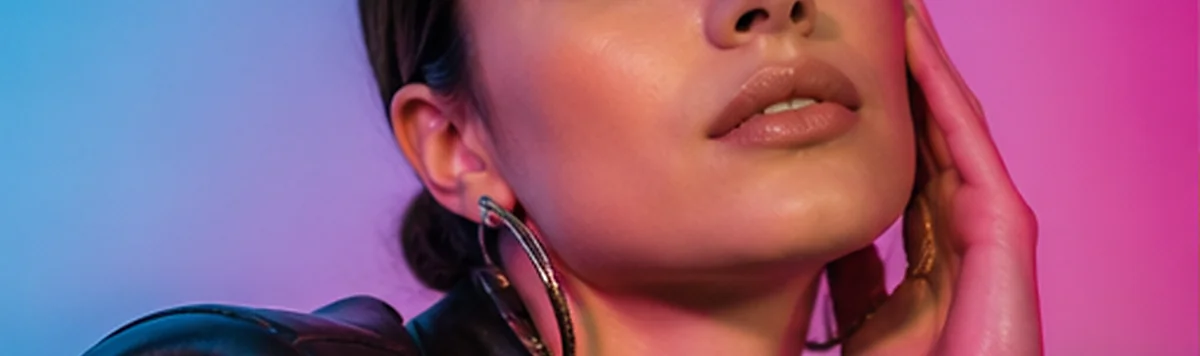
Illustrative example of a before-and-after face swap.
Turn your photos into something different. Face swapping can be a fun way to experiment with photography, create personalised pictures and explore new visual ideas.
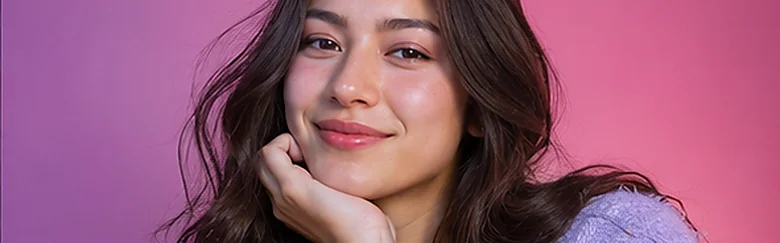
Turn ordinary photographs into something amusing by swapping faces with friends who are happy to take part.
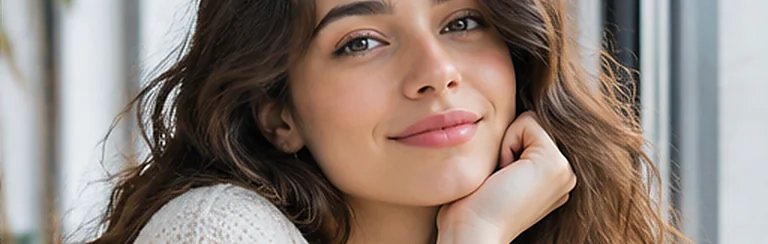
Give portraits a fresh appearance with different faces and expressions, and make it clear when an image has been edited.
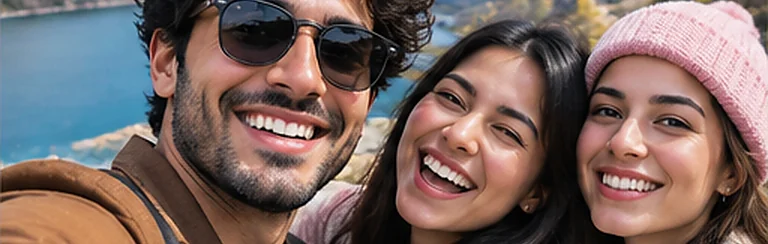
Discover how changing a face affects a portrait while keeping the original background, clothing and setting.
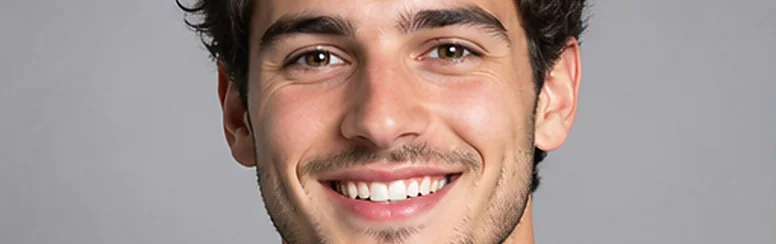
Try fictional characters, visual concepts and personal artwork to discover which combinations suit your ideas.
A simpler way to change faces in photos. Photo editing should feel enjoyable rather than complicated.
Uploading two suitable photographs is enough to begin the basic face-swapping process.
Cutting, resizing, blending and colour adjustments are handled by the tool in one step.
Try different face combinations to see how they change the appearance of a photograph.
A straightforward workflow moves you from choosing photographs to reviewing the result without distractions.
Getting a convincing face swap starts with choosing the right photographs, because image quality still makes a difference.
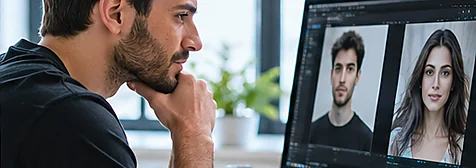
Blurry or low-resolution pictures make a convincing result harder.
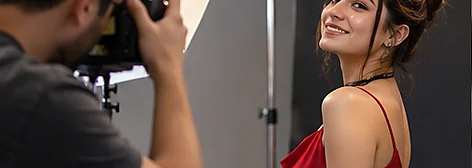
A straight-facing portrait pairs best with another straight-facing one.
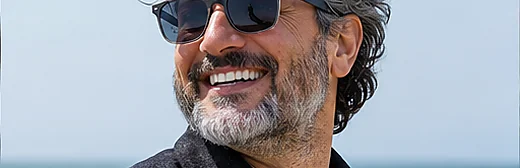
Hair, sunglasses and hands covering the face can affect the result.
Even lighting keeps features clear; avoid heavy shadows and strong reflections.
A relaxed expression works best with another relaxed expression.
Enjoy more creative freedom with your photos without learning traditional editing techniques.
Experiment with visual ideas without mastering complicated software.
Use an existing picture as the starting point for a different appearance.
Choosing photos, swapping and saving all happen in one place.
Create pictures that reflect your sense of humour or creative interests.
Notice how expressions, lighting and features shape an image.
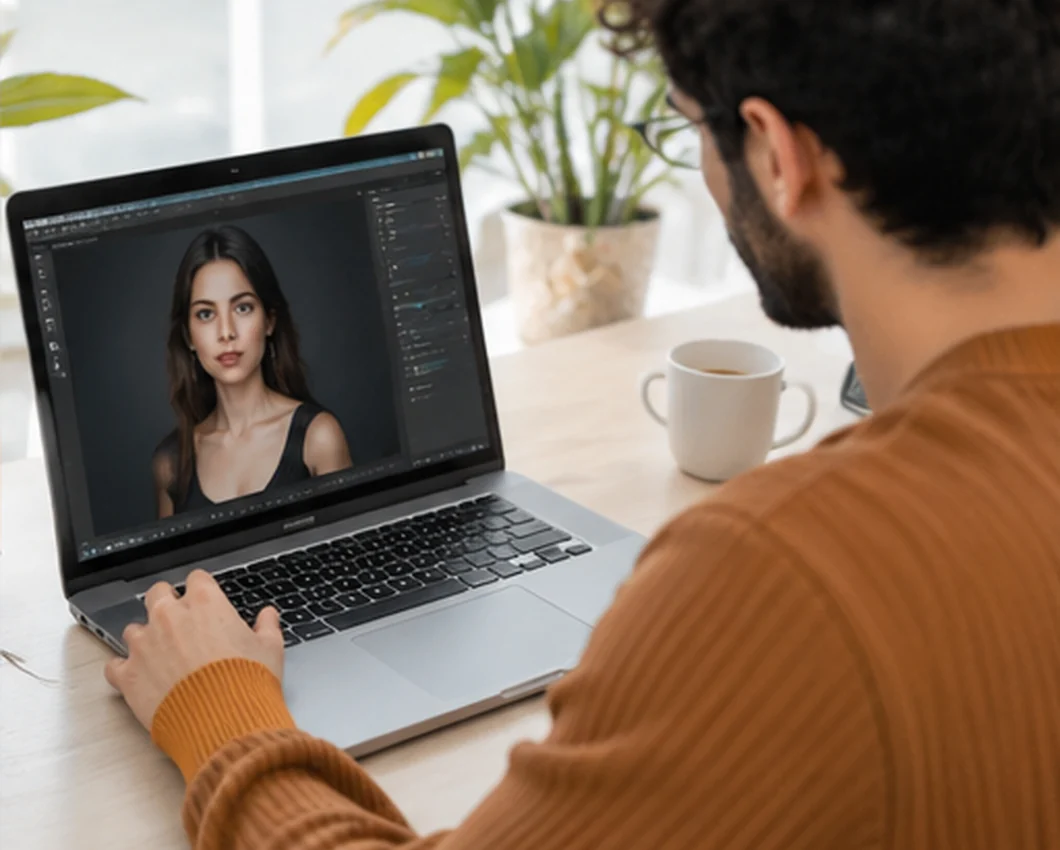
Create and share face swaps responsibly. Photographs should always be used with care.
When editing a picture of another person, make sure they have given permission for their image to be used. Avoid face swaps that impersonate someone, spread misleading information or could damage a reputation, and explain that a shared image has been altered.
FaceSwapper processes your photos inside your own browser with the HTML canvas, so pictures are not uploaded to a server and disappear when you close or clear the page. Thoughtful use keeps face swapping enjoyable and respectful for everyone involved.
Have a question? Here are the most common ones about using FaceSwapper, grouped into two simple categories.
FaceSwapper is an online tool that lets you replace a face in one photograph with a face from another. It maps the new face into place, matches skin tone and lighting, and softens the edges, which simplifies a process that would otherwise need manual photo adjustments.
Yes. The face swap tool on this website is free to use, with no limit on the number of edits and no watermark on downloaded results.
No. There is no sign-up or login. Open the page, add two photos and start swapping faces straight away.
Yes. The tool works in modern mobile browsers on Android phones, iPhones and tablets. You can choose photos from your gallery, tap a face to select it and save the result to your device.
No. The tool is designed for beginners. Add two photos and press Swap Face. Faces are detected, aligned and blended automatically, without manual cutting or masking.
FaceSwapper uses an AI face landmark model that maps 478 points on each face. The new face is warped onto those points triangle by triangle, then skin tone and lighting are matched and the edges are blended. Everything runs inside your browser.
No. FaceSwapper runs inside your web browser, so there is no app, program or APK to install.
Recent versions of Chrome, Edge, Firefox, Safari, Opera and Samsung Internet support everything the tool needs, including the HTML canvas and local file reading.
You can use JPG, PNG, WebP, AVIF, GIF and BMP images up to 25 MB each. Very large photos are processed at up to 2400 pixels on the longest side. Animated GIFs are edited as a single still frame.
No. The PNG you download contains only your edited photo, without any watermark or added branding.
Upload your photo in box 1 and the face you want to use in box 2. Press Swap Face, compare before and after with the slider and press Download if you're happy with it.
Use clear photographs with similar facial angles, expressions and lighting. Keep skin tone matching on, and use Fine-tune to adjust edge softness and face strength until the result looks natural.
Well-lit portraits with clearly visible faces generally work best. Avoid blurred images, extreme angles and photographs where hair, sunglasses or hands hide important facial features.
Yes. Choose Group Photo to replace several faces at once with the new face, or Swap Within Photo to exchange two people's faces in the same picture. You can also press Keep editing to use the result as your new photo.
Yes. Once the swap is complete, press Download to save the image to your device as a PNG file named faceswapper-result.png.
Your photos are not uploaded anywhere. The browser reads them from your device and edits them locally. Only the AI face model itself is downloaded once from a public CDN; your images are never sent with it. Only use images you have permission to edit.
No. Photos and results exist only in the open page. Pressing Clear, refreshing or closing the tab removes them.
The most common causes are very different head angles, hair or glasses covering the face, or mismatched lighting. Try photos with closer angles, keep Auto-match head turn on and raise edge softness in Fine-tune.
Every detected face gets a numbered outline. Tap or click a face to select it. In Group Photo mode you can select several faces, and in Swap Within Photo mode you pick faces A and B.
Only share edits that respect the people shown. Get permission, avoid impersonation or misleading content, label edited images and make sure you hold the rights to every photo used.